On this page
2.1.1 Verify the contract on a block explorer (optional, but strongly recommended)2.1.2 Check the contract parameters2.1 Verify the Split Contract
2.1.1 Verify the contract on a block explorer (optional, but strongly recommended)
On EVM chains the split contract is verified automatically after deployment, so if you deployed on an EVM chain you can skip this step.
Tronscan does not expose an API for automatic contract verification, so for Tron we recommend verifying manually. The steps are:
- Download the source of the HashNut Tron split contract
https://github.com/nuttybounty/tron-contracts/tree/main/flattenYou only need to download ServiceProxy.flat.sol.
Open the Tron block explorer at https://tronscan.org/contracts/verify
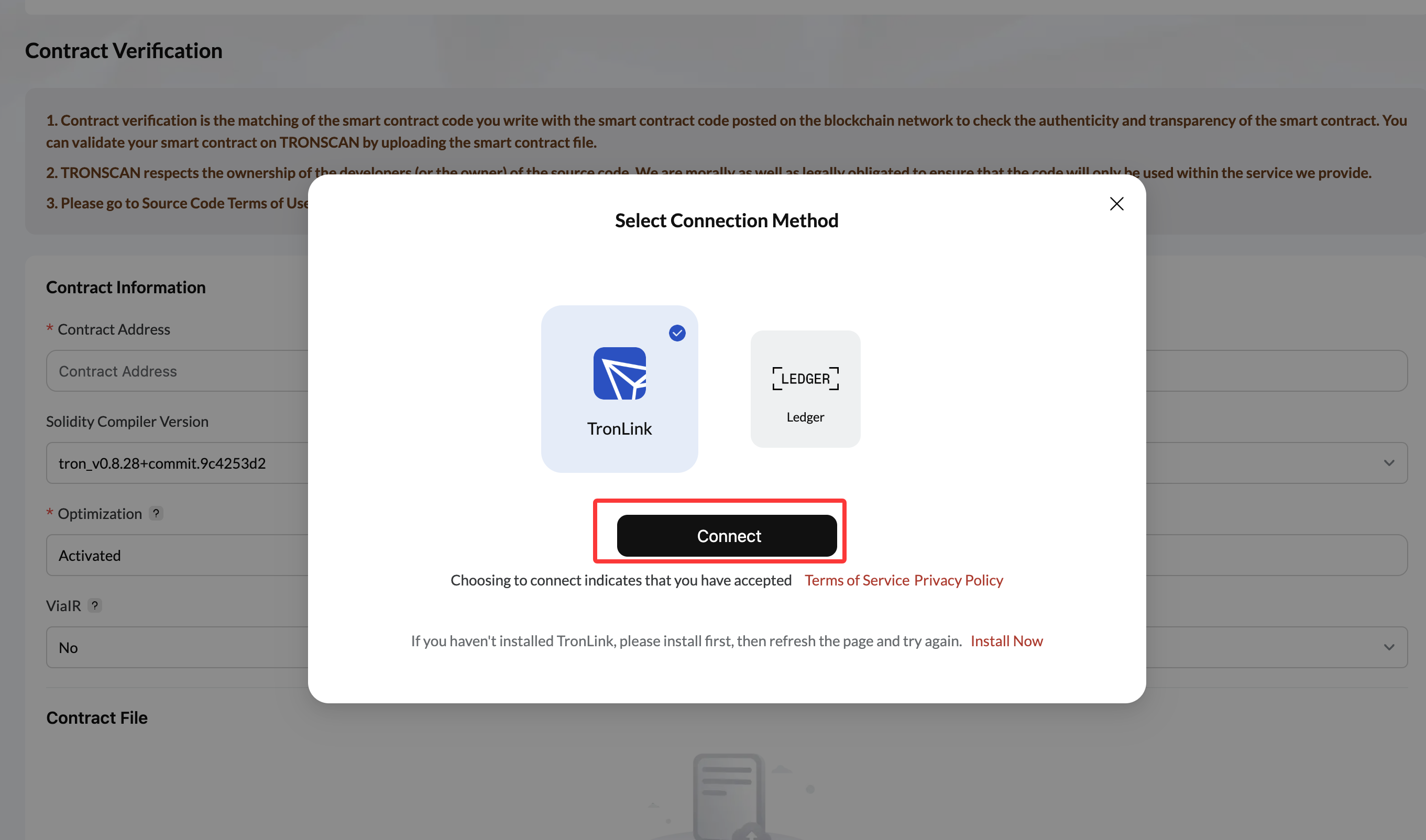
Connect your wallet
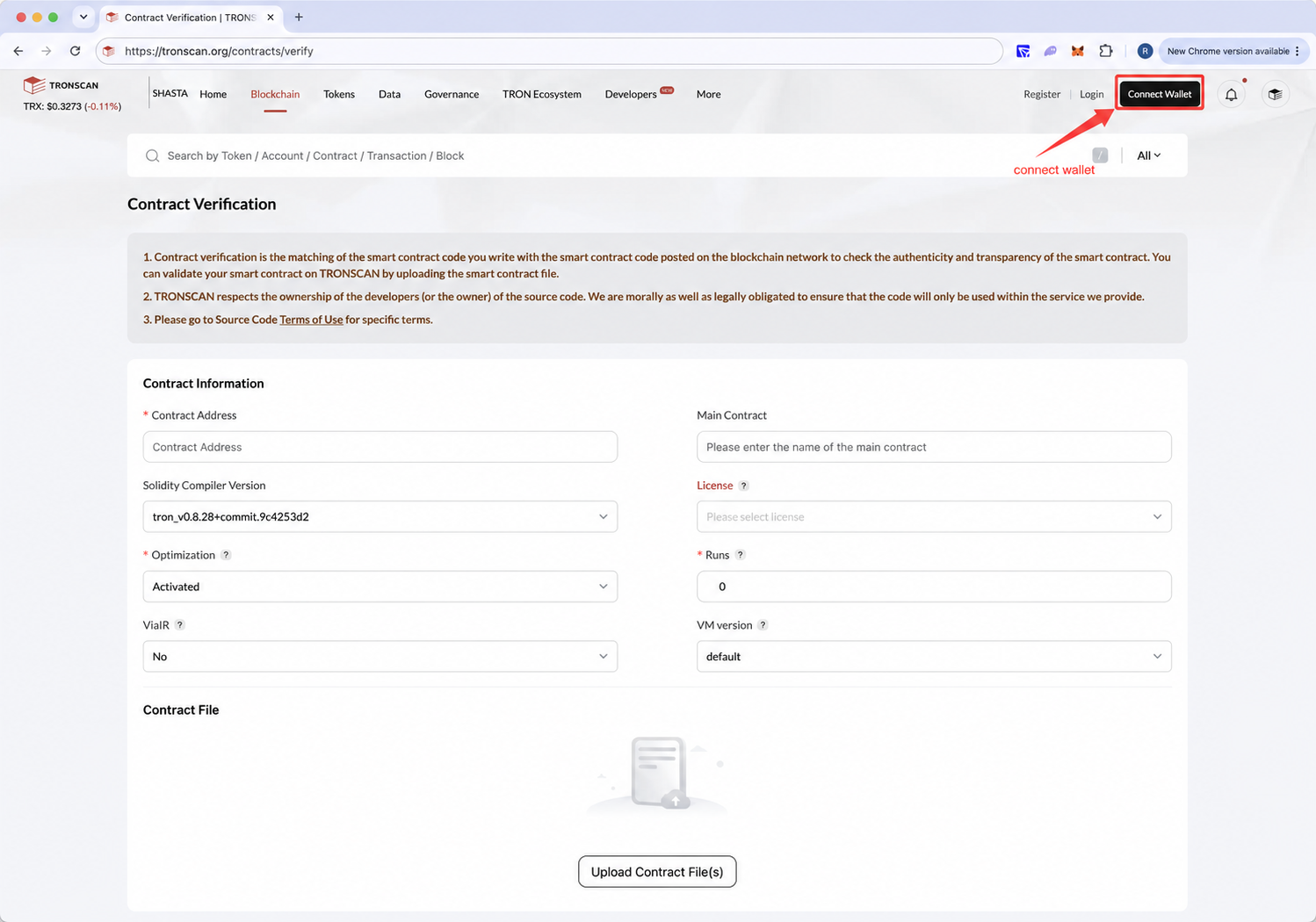
Click connect
Fill in the verification parameters
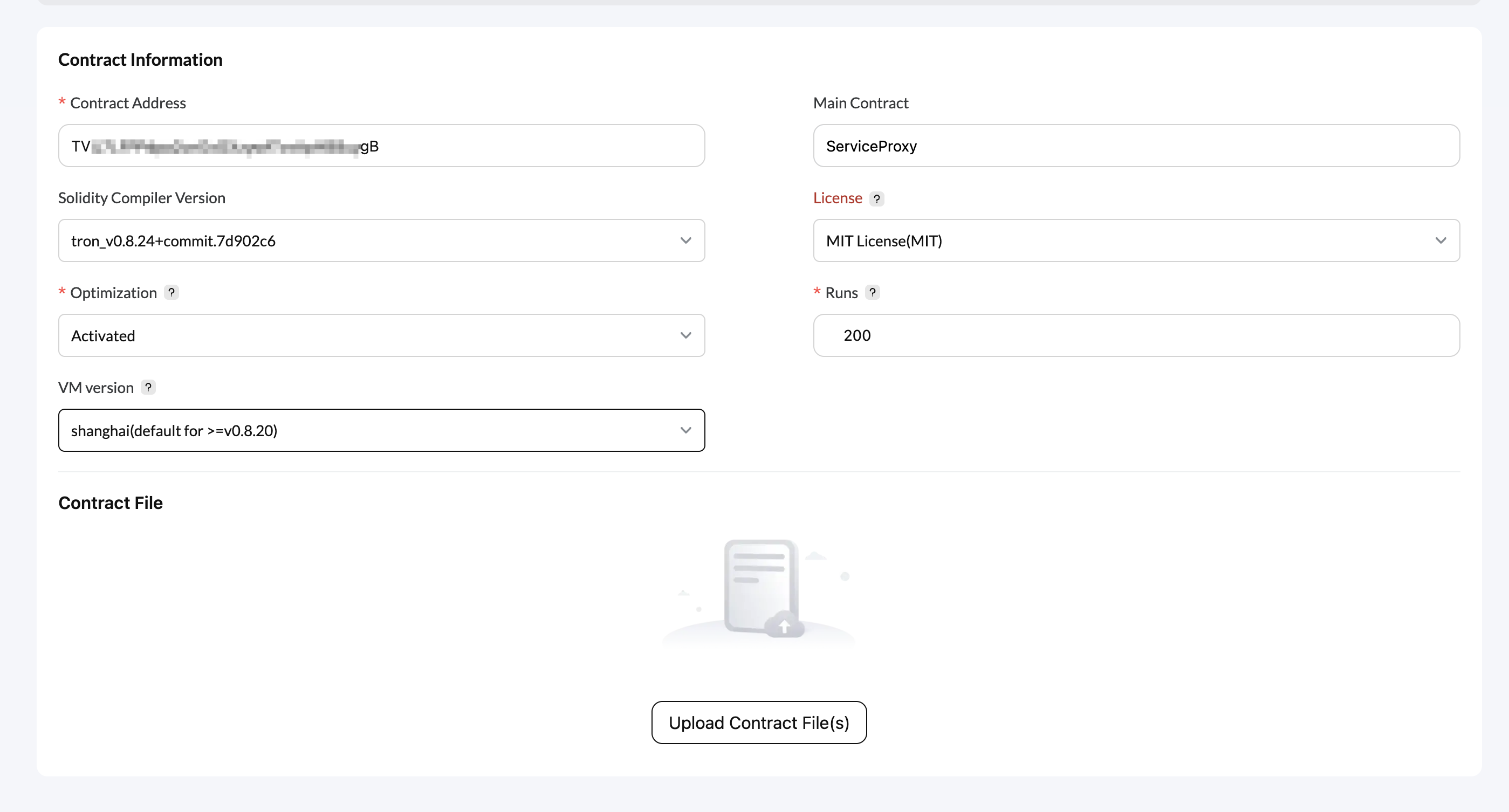
Use these values:
| Parameter | Value |
|---|---|
| Contract Address | The split contract address, taken from your account info |
| Main Contract | ServiceProxy |
| Solidity Compiler Version | tron_v0.8.24+commit.7d902c6 |
| License | MIT License(MIT) |
| Optimization | Actived |
| Runs | 200 |
| ViaIR | No — skip if the option is not shown |
| VM version | shanghai(default for >=v0.8.20) |
- Upload the contract source
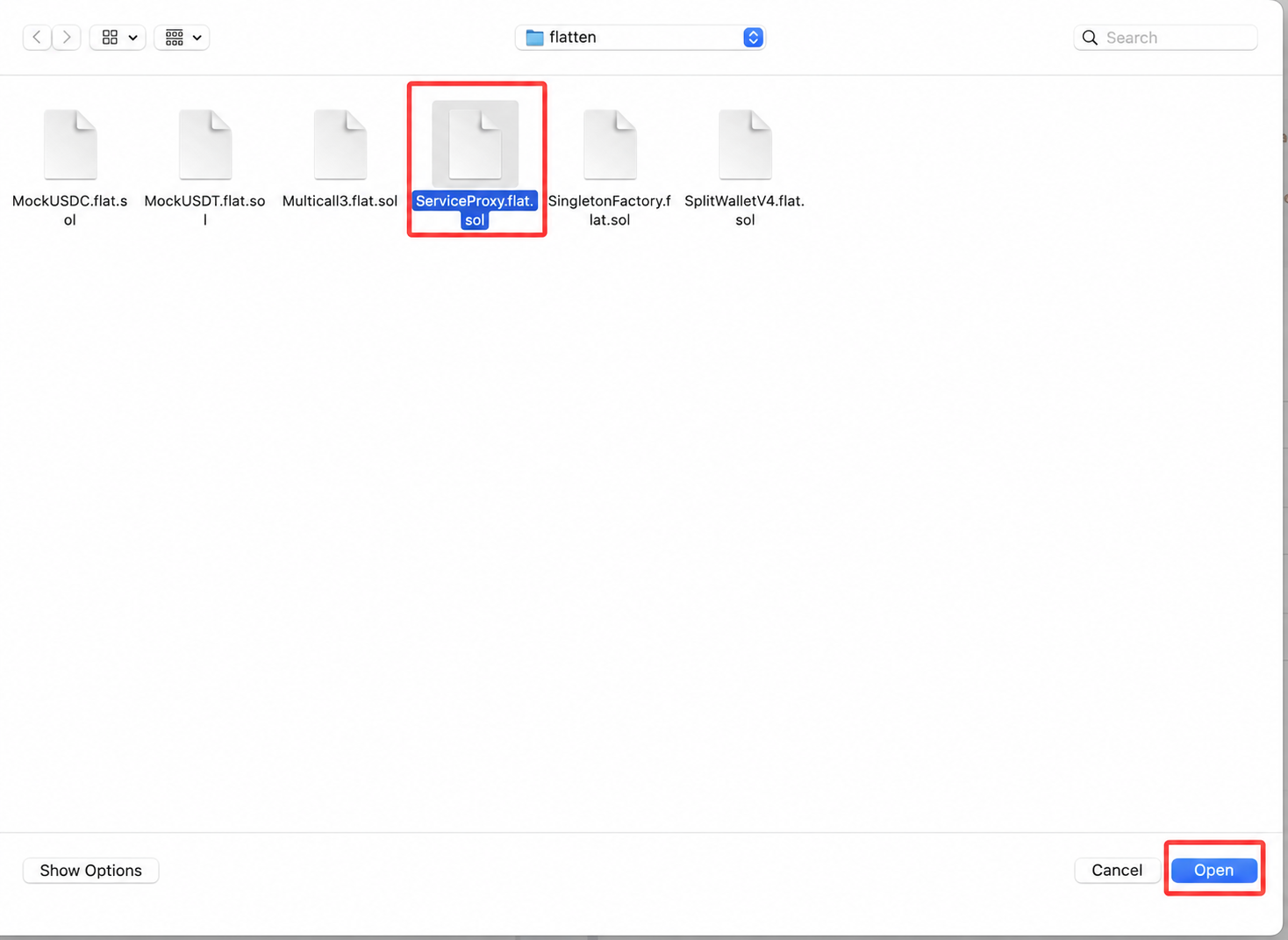
Click Upload Contract File(s), select ServiceProxy.flat.sol and upload it.
Complete the captcha
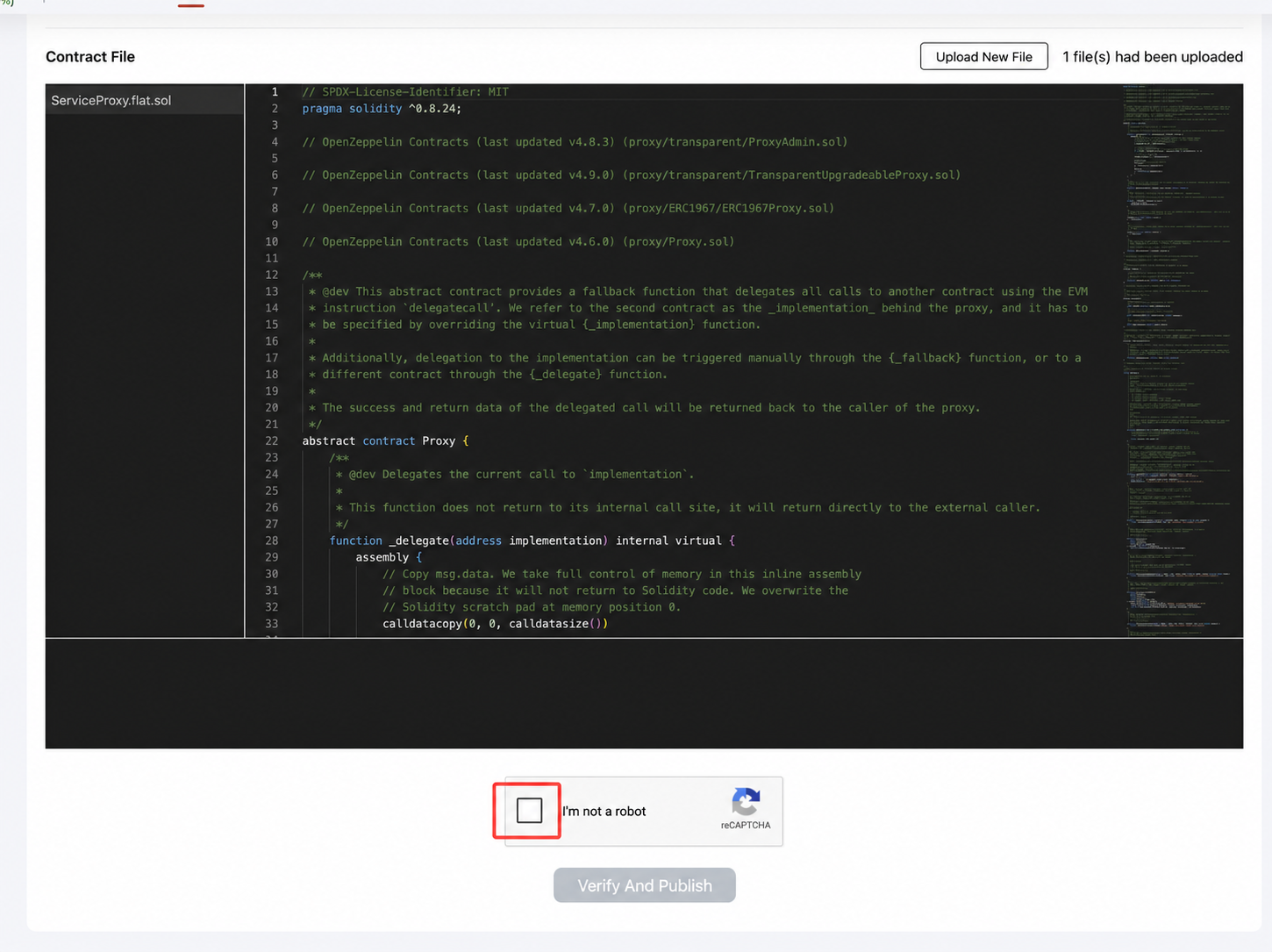
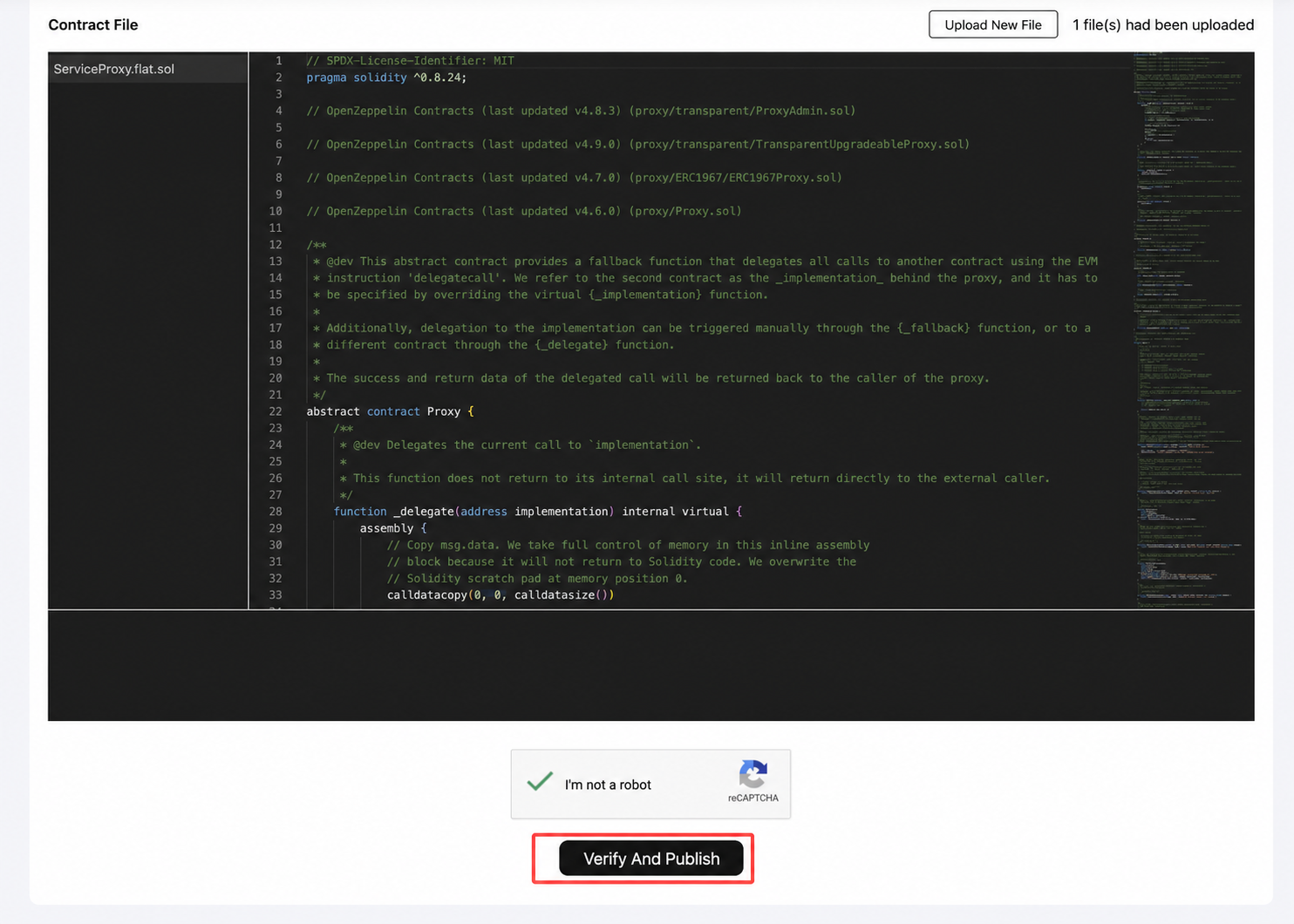
Click Verify And Publish
Verification succeeded — click View Contract details
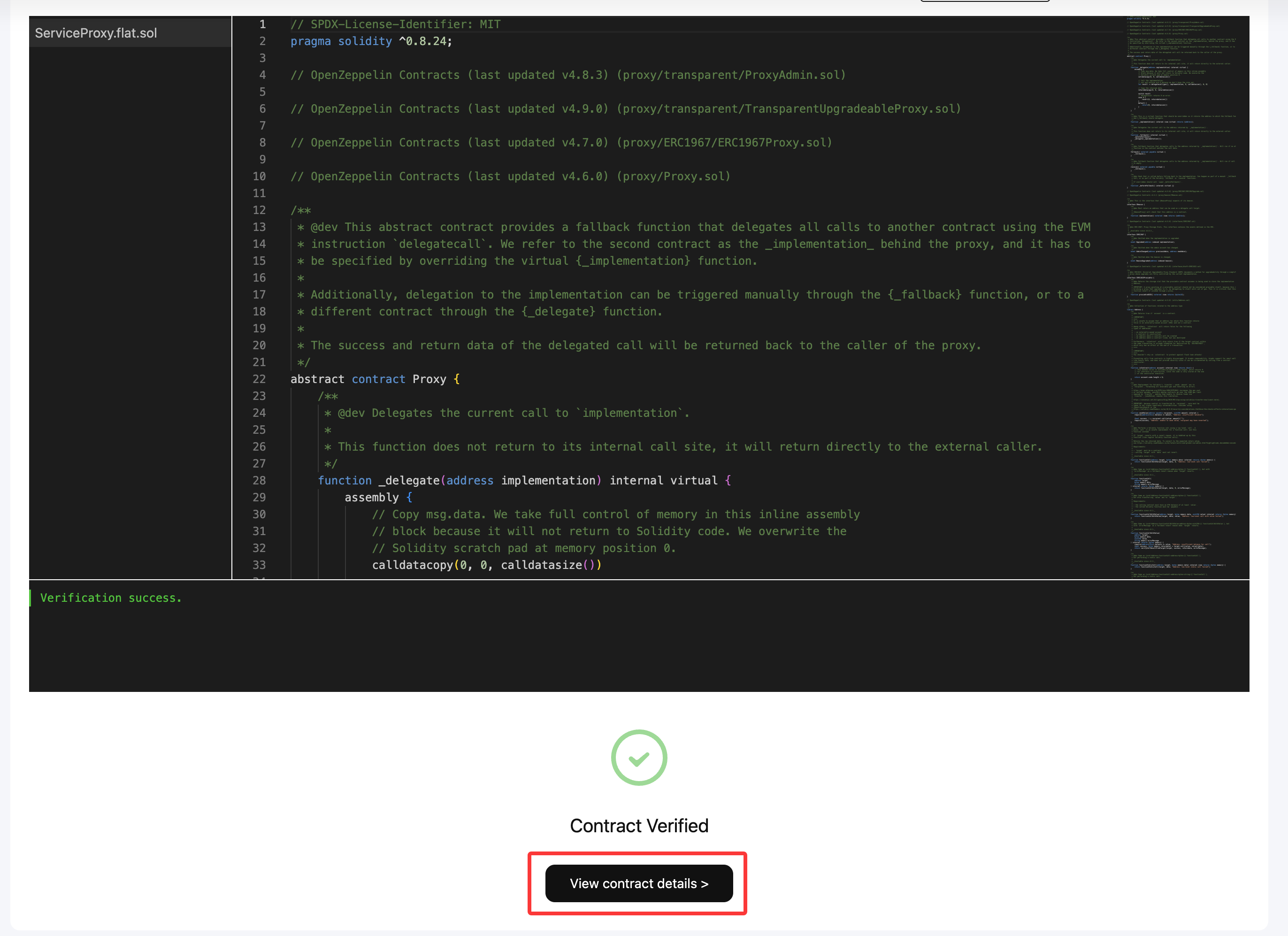
The contract code page
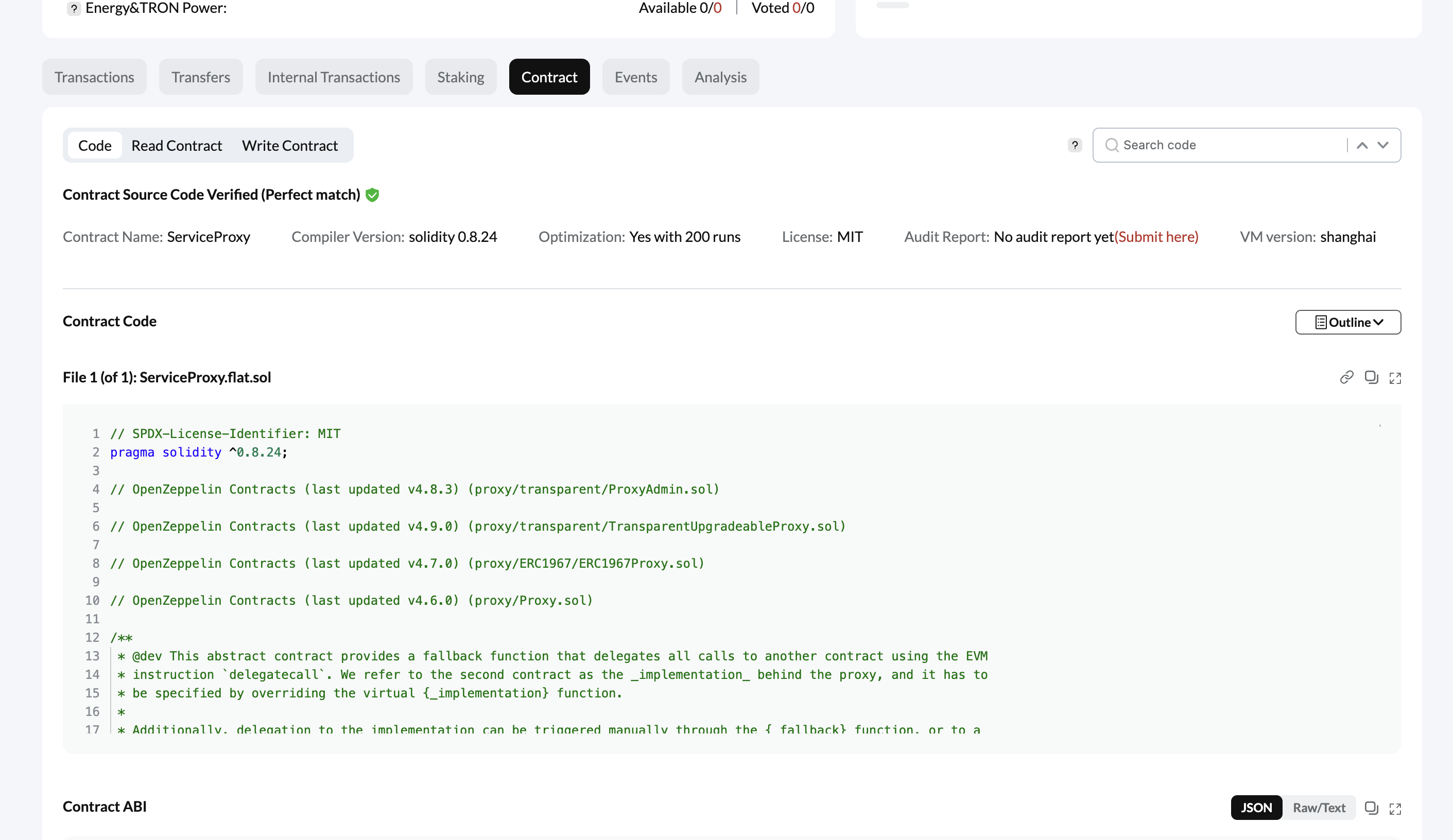
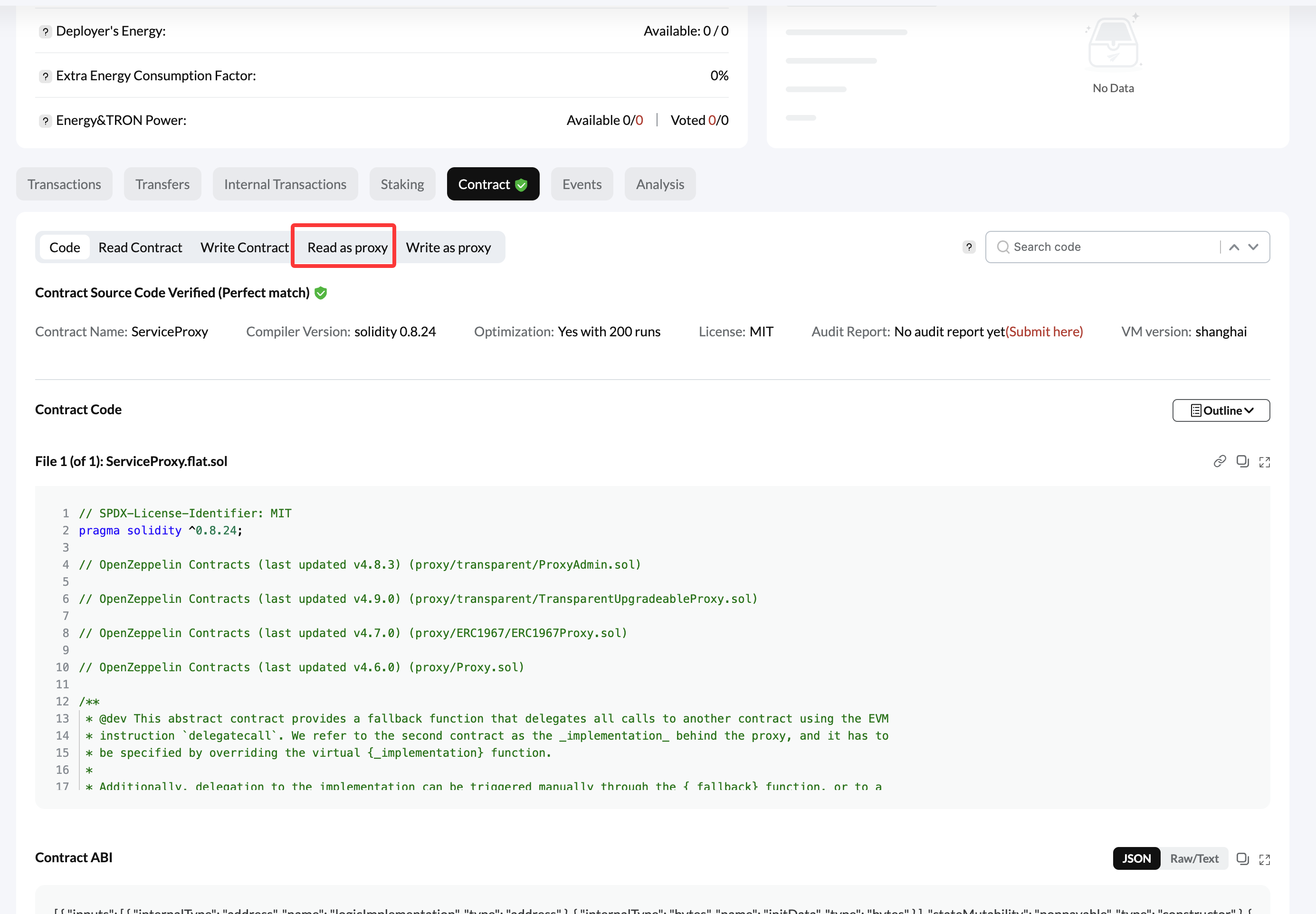
Note that Read As Proxy takes a while to appear. Wait a moment and it will show up.
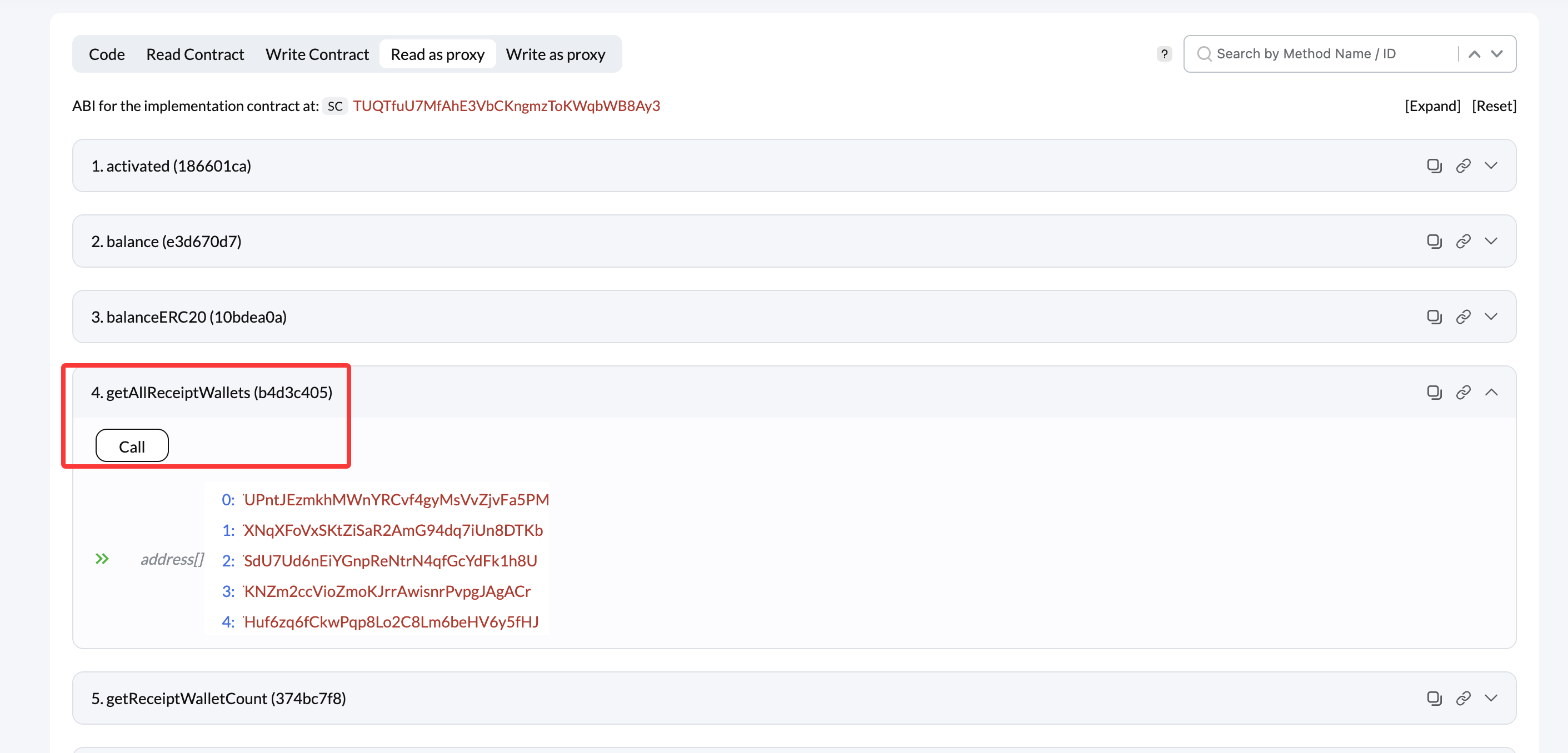
- Click Read as proxy
2.1.2 Check the contract parameters
After the split contract is deployed, check that its parameters are what you expect. If anything looks wrong, contact HashNut before going any further.
Check that the split rate is correct
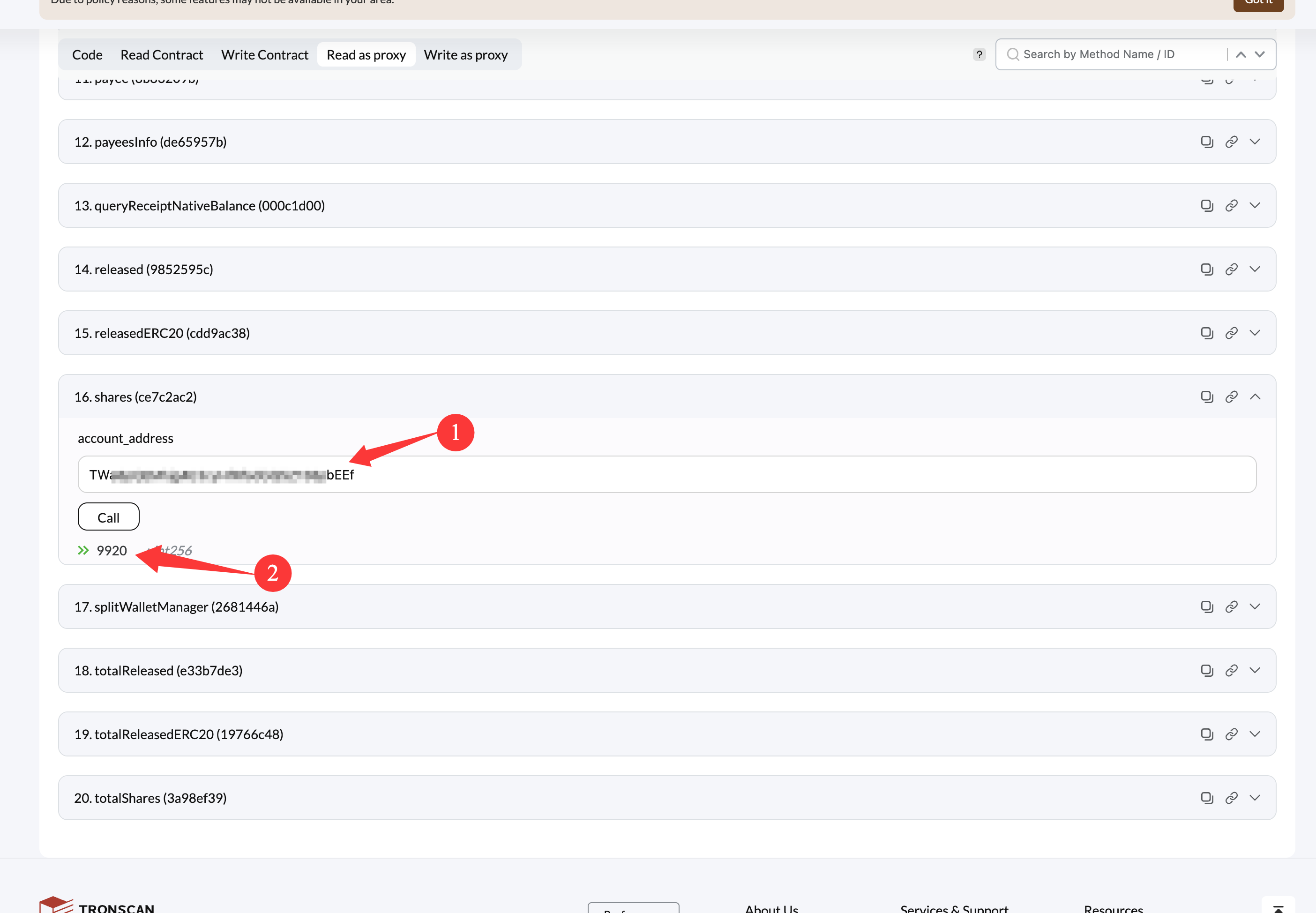
Check that the receipt addresses were added to the contract